
Download Murf AI – AI Text‑to‑Speech Software, Free Trial, Secure Voice Generation
Overview of Murf AI – AI‑Powered Text‑to‑Speech Platform
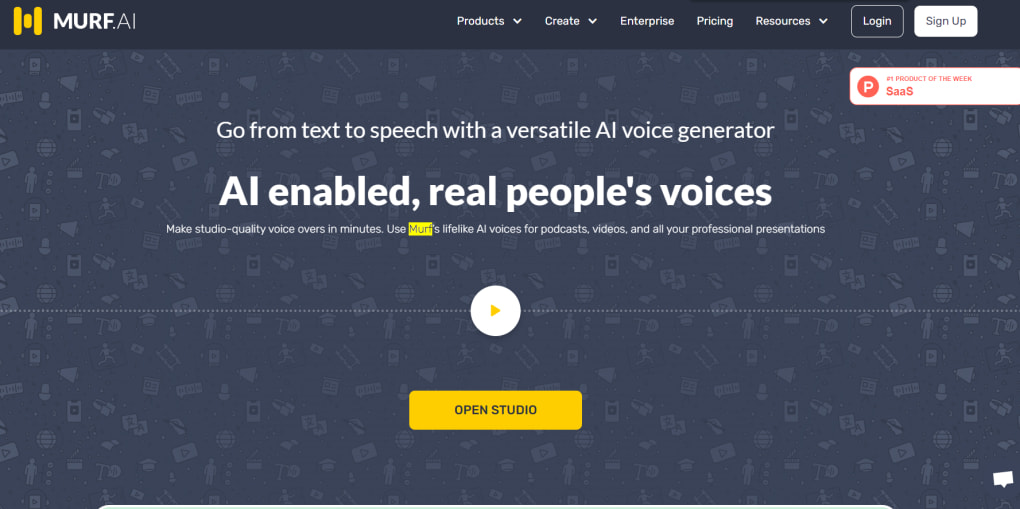
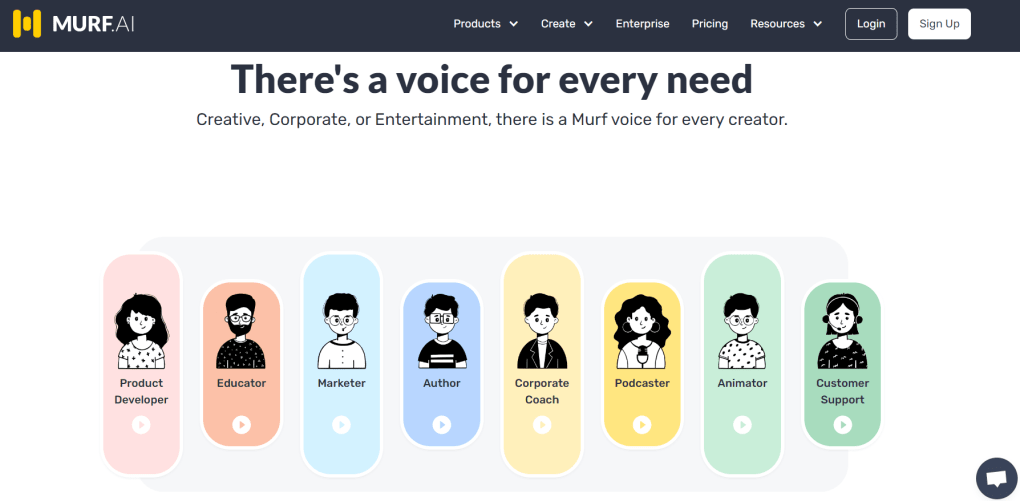
Murf AI is a subscription‑based, cloud‑native text‑to‑speech (TTS) platform that leverages cutting‑edge artificial intelligence to turn written content into natural‑sounding audio. Unlike legacy TTS tools such as Balabolka, Murf AI offers a deep level of vocal nuance, allowing creators to produce voiceovers that feel genuinely human. Whether you are a podcaster needing a reliable narrator, a marketer crafting an engaging video ad, an educator preparing audio lessons, or a business professional automating product demos, Murf AI’s flexible engine adapts to a broad spectrum of use‑cases.
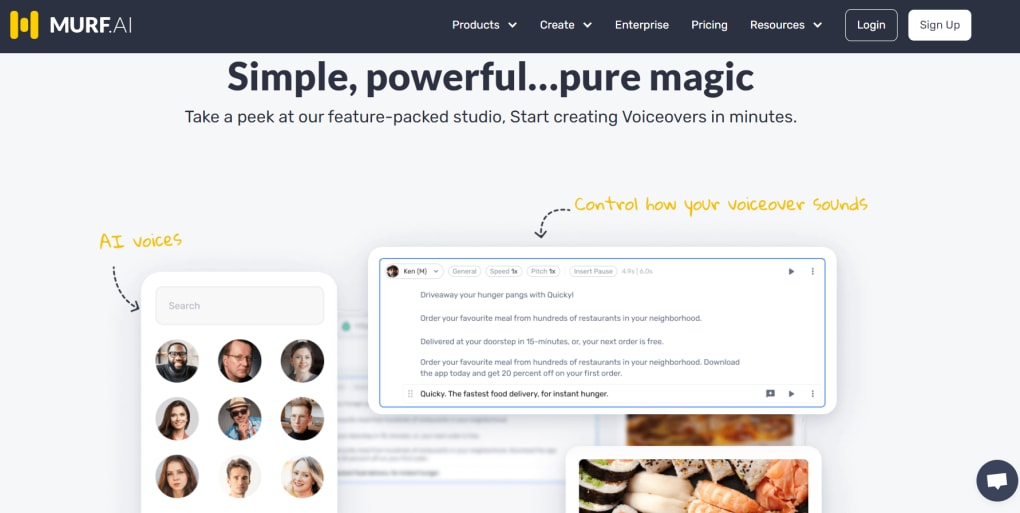
The service houses more than 120 distinct voices—male and female—spanning over 20 languages and dialects. Users simply type or paste their script, select the desired voice, and let the AI handle the rest, delivering a polished audio file in seconds. What truly sets Murf apart is the granular control it provides: pitch, speaking speed, interjections, and word‑level emphasis can all be fine‑tuned, resulting in an “organic” output that older software rarely matches.
This combination of breadth (voice library) and depth (editing tools) makes Murf AI a compelling choice for both personal projects and enterprise‑level audio production.
Key Features, Voice Library & Pros/Cons of Murf AI
- 120+ high‑quality AI voices covering 20+ languages and regional accents.
- Real‑time text‑to‑speech conversion with instant preview.
- Fine‑grained editing controls: pitch, speed, emphasis, and custom interjections.
- Batch processing for large script libraries and multi‑track projects.
- Integrated background music library and sound‑effects repository.
- Collaboration workspace for teams with role‑based permissions.
- Export options: MP3, WAV, OGG, and direct upload to YouTube or Vimeo.
- API access for developers to embed TTS capabilities into custom applications.
- Secure cloud storage with GDPR‑compliant data handling.
- Regular AI model updates that improve voice naturalness over time.
Pros
- Extremely natural voice output that rivals professional voice actors.
- Wide language coverage makes it suitable for global campaigns.
- Intuitive web interface; no software download required.
- Powerful editing tools let users add personality without re‑recording.
- Collaboration features streamline workflow for marketing teams.
Cons
- Subscription pricing may be high for occasional hobbyists.
- Internet connection required; offline usage is not supported.
- Advanced features (API, batch processing) are locked behind higher‑tier plans.
- Learning curve for the most detailed editing parameters.
- Limited free trial minutes compared with some competitor tools.
Installation, Setup, and Compatibility Across Devices
Murf AI is a fully web‑based application, which means there is no traditional “install” process on your desktop. To get started, simply navigate to murf.ai, click the “Sign Up” button, and create an account using an email address or Google authentication. After confirming your email, you’ll be directed to the dashboard where you can begin generating voice content immediately.
Step‑by‑step usage guide:
- Create a new project: Click “New Project,” give it a descriptive name, and choose the appropriate output format (MP3, WAV, etc.).
- Enter your script: Paste or type the text you wish to convert. The editor supports markdown for easy formatting.
- Select a voice: Browse the voice library, filter by language, gender, or accent, and preview each option with a short sample.
- Adjust vocal parameters: Use sliders to modify pitch, speed, and emphasis. You can also add custom interjections (e.g., “uh‑mm,” “yeah”) to increase realism.
- Add background music or sound effects (optional): Drag‑and‑drop tracks from Murf’s royalty‑free library onto the timeline.
- Generate and export: Click “Synthesize,” wait a few seconds for processing, then download the file or publish directly to video platforms.
Because Murf AI runs in a browser, it is compatible with all major operating systems, including Windows 10/11, macOS Catalina and later, Linux distributions, as well as mobile browsers on Android 12+ and iOS 14+. The platform is optimized for Chrome, Edge, and Safari, ensuring smooth performance whether you are on a desktop workstation or a tablet.
For power users, Murf offers an API key that can be generated from the account settings page. The API follows REST conventions and allows developers to integrate TTS capabilities into custom software, chatbots, or automated notification systems. Detailed documentation, sample code snippets, and rate‑limit information are provided to streamline implementation.
Frequently Asked Questions About Murf AI
Can I use Murf AI for commercial projects without additional licensing fees?
Yes. All voices included in the subscription are cleared for commercial use. When you export an audio file, you receive a royalty‑free license that permits broadcasting, resale, or embedding in any commercial material, provided you maintain an active subscription.
How does Murf AI handle data privacy and security?
Murf AI stores all uploaded scripts and generated audio on encrypted servers that comply with GDPR and CCPA regulations. The platform does not retain content longer than necessary for the service, and users can manually delete projects at any time.
Is there a free tier or trial available?
Murf AI offers a 30‑minute free trial credit for new users. This allows you to experiment with several voices and test the editing features before committing to a paid plan. After the trial, you can choose from monthly or annual subscription options.
Can I integrate Murf AI with video editing software?
Absolutely. Exported audio files are compatible with all major video editors (Adobe Premiere Pro, Final Cut Pro, DaVinci Resolve, etc.). Additionally, Murf’s direct publishing feature lets you push audio to YouTube, Vimeo, or even embed it in PowerPoint presentations.
What languages and accents are currently supported?
The platform supports over 20 languages, including English (US, UK, Australian), Spanish (European, Latin American), French, German, Mandarin, Hindi, Japanese, Korean, Portuguese, Dutch, Italian, and many more regional dialects. New voices are added regularly as the AI models are updated.
Conclusion & Call to Action
Murf AI has quickly become a benchmark for AI‑driven text‑to‑speech solutions, offering a blend of extensive voice variety, fine‑tuned editing tools, and seamless cloud accessibility. Whether you are a solo creator looking for a reliable narrator or a marketing team needing scalable voice‑over production, Murf AI delivers professional‑grade results without the hassle of traditional recording studios. Ready to give your content a human touch? Start your free trial today and experience the future of voice generation.



.png)



